Managing daily routines can be challenging when you’re living with a disability or supporting someone who does. While assistive devices provide crucial physical support, they often work best when paired with modern technology. In Australia, where 5.5 million people live with disability, representing 21.4% of the population, the integration of apps with assistive technology is transforming how people maintain independence in their homes and communities.
The challenge isn’t just about having the right equipment. It’s about creating a seamless support system that works throughout your day, from morning routines to evening wind-down. When your mobility aid helps you move but you need reminders for medication, or when your communication device works well but navigation remains difficult, apps bridge these gaps in practical, affordable ways.
How Do Apps Enhance Traditional Assistive Devices?
Apps that complement assistive devices in daily routines function as digital extensions of physical support tools, creating a more comprehensive support ecosystem. Rather than replacing traditional equipment like wheelchairs, hearing aids, or communication boards, these apps work alongside them to address the multifaceted nature of daily living.
The Australian assistive technology market reached AUD $720.4 million in 2023 and is projected to grow to AUD $1,730.9 million by 2030, with apps representing an increasingly significant component of this growth. This expansion reflects how technology is evolving to meet complex needs through integrated solutions.
Apps enhance assistive devices by providing real-time information, automated reminders, environmental control, and connectivity to support networks. For someone using a wheelchair, navigation apps identify accessible routes and entrances before they leave home. For individuals with communication difficulties, AAC (Augmentative and Alternative Communication) apps transform tablets into sophisticated speech-generating devices that complement or replace dedicated hardware costing thousands of dollars.
The integration extends to smart home systems, where voice-controlled apps enable people with limited mobility to control lighting, temperature, door locks, and appliances without physical manipulation. Research demonstrates that smart home devices reduced emergency calls by 26% for elderly users in NHS pilot programmes, highlighting the practical safety benefits of this technology integration.
What Communication Apps Work Best with Augmentative Devices?
Communication apps represent some of the most impactful technology available for people with speech or language difficulties. These apps that complement assistive devices in daily routines enable expression, social connection, and participation in ways that weren’t possible even a decade ago.
Proloquo2Go stands as one of the most extensively used AAC apps in Australia, costing $249.99 for iPad and iPhone. This symbol-based communication app offers customisable vocabulary, pre-programmed phrases, and realistic voice options. Evidence shows that 70% of people using Proloquo2Go for 30 days or more report improvements in their ability to communicate effectively, with particular success for individuals with autism spectrum disorder, cerebral palsy, and apraxia of speech.
LAMP Words for Life uses a motor planning system that helps users develop consistent, efficient language patterns. This approach particularly benefits people who need predictable navigation to build communication skills over time.
For those requiring subscription-based options, SimPODD implements the Pragmatic Organisation Dynamic Display system, offering ongoing access to updated content and support. Grid for iPad provides an all-in-one AAC tool with extensive pre-made content resources that can be customised for individual preferences.
Research comparing communication methods found that people using PECS (Picture Exchange Communication System) were 3.9 times more likely to become higher-rate communicators, demonstrating the effectiveness of symbol-based approaches that many apps now digitise and enhance. High-tech speech-generating devices, including app-based solutions, show particular value for people with autism, who often prefer these tools over manual sign language or physical PECS cards.
Which Apps Support Daily Task Management and Routine Building?
Executive function challenges, such as difficulty with planning, organisation, time management, and task initiation, affect many people with cognitive disabilities, autism, ADHD, and acquired brain injuries. Apps that complement assistive devices in daily routines for task management transform abstract concepts of time and sequence into visual, manageable steps.
Choiceworks, available for $10.99 on iOS, uses photos, videos, and audio recordings to break down multi-step tasks into manageable components. Designed specifically for individuals with autism and intellectual disabilities, this visual learning tool helps complete daily routines from morning hygiene to meal preparation. The app enables users to see what’s happening now, what comes next, and what’s completed. This reduces anxiety around transitions and task completion.
First-Then Visual Schedule provides audio-visual prompting at $9.99 on the Play Store and $4.99 on iTunes, supporting positive behaviour through clear expectations. This type of app proves particularly valuable for people who struggle with verbal instructions but respond well to visual information.
Pictello allows users to create visual stories, photo albums, and talking books without requiring reading skills. This versatility makes it valuable not just for task completion but for sharing experiences and maintaining social connections. These are crucial elements of daily life that extend beyond basic self-care routines.
For those who benefit from gamification, Habitica transforms habit-building into a role-playing game, where completing real-life tasks earns in-game rewards. This free app has shown effectiveness for people who need additional motivation and immediate feedback for task completion.
Thruday specifically addresses the needs of people with ADHD, autism, and executive dysfunction through visual daily planning, mood tracking, breathing exercises, and journaling, all integrated into one platform. The app recognises that task management isn’t just about completing activities; it’s about maintaining emotional regulation and self-awareness throughout the day.
How Can Smart Home Apps Improve Independence and Safety?
Smart home technology represents a significant shift in how apps that complement assistive devices in daily routines support independence, particularly for people with mobility limitations or vision impairments. Voice-activated assistants have moved from novelty to necessity for many Australians with disability, with over 2.3 million Australians using assistive technology to support daily functioning.
Amazon Alexa and Echo devices enable hands-free control of smart home devices, lighting, thermostats, and door locks through voice commands. For someone with limited mobility, the ability to adjust room temperature, turn on lights before getting out of bed, or lock doors without physical approach significantly reduces fall risk and energy expenditure throughout the day.
Alexa Together, available for $20 per month, includes fall detection and emergency assistance features, whilst Alexa Emergency Assist ($6 monthly) connects users to responders with access to their medical information. These subscription services transform a standard smart speaker into a safety monitoring system.
Google Home and Google Assistant offer similar functionality with particularly strong search accuracy for information queries, making them valuable for people who rely on voice commands for research, entertainment, and learning. The integration with Android devices creates seamless continuity across multiple platforms.
Research demonstrates meaningful improvements in wellbeing for clients with visual impairments and intellectual disabilities using Google Home, with users reporting increased autonomy and access to information and entertainment that previously required caregiver assistance.
Apple HomePod with Siri integrates deeply within the Apple ecosystem whilst maintaining strong privacy protections. For people with vision or hearing impairments, the accessibility features built into Apple’s system offer sophisticated customisation options, including the ability to directly call emergency services through voice command.
The practical impact of these systems extends beyond convenience. Smart lighting prevents falls by eliminating the need to navigate dark spaces. Video doorbells allow people to see and speak with visitors without approaching the door. Motion sensors can trigger alerts if unusual inactivity patterns suggest a fall or medical emergency.
What Navigation and Mobility Apps Work Best in Australian Cities?
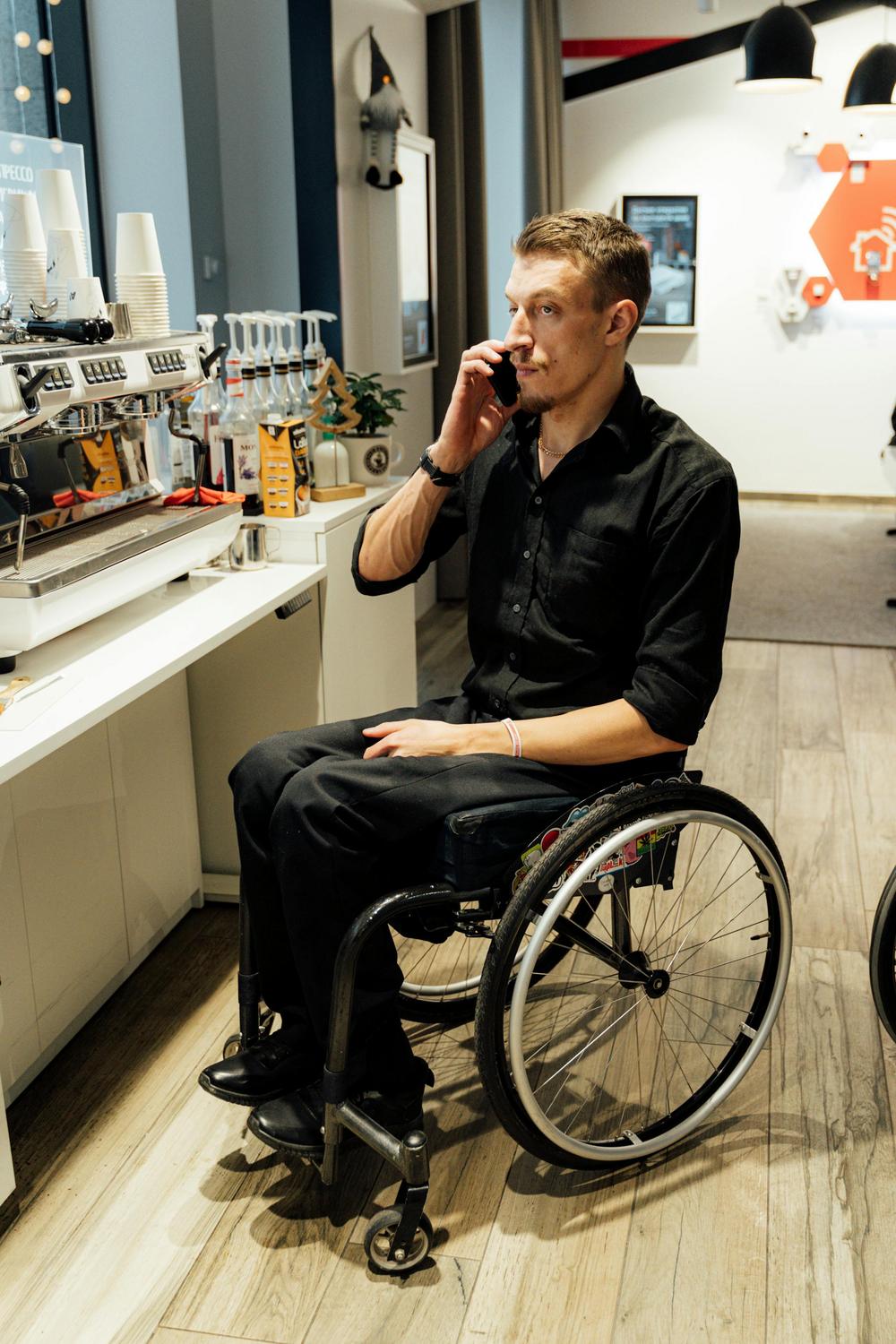
For wheelchair users and people with mobility limitations, the uncertainty of encountering inaccessible venues or routes creates significant stress and can limit community participation. Apps that complement assistive devices in daily routines by providing accessibility information enable confident, independent travel planning.
Wheelmap leads as a worldwide crowd-sourced accessibility mapping application with 3.2 million marked places globally. The app categorises locations as fully accessible (green), partially accessible (orange), or not accessible (red) for wheelchair users. In Australian cities including Brisbane, Sydney, and Melbourne, community members actively contribute reviews and updates, creating increasingly reliable accessibility data.
Google Maps introduced wheelchair-accessible routing that shows ramps, elevators, accessible entrances, parking spaces, restrooms, and seating. This integration into a mainstream navigation app means accessibility planning becomes part of standard route planning rather than requiring separate research.
AccessNow emerged from the lived experience of a wheelchair user who recognised the need for comprehensive accessibility information. The crowd-sourced platform covers restaurants, shops, parks, and museums across Australian cities, with users providing detailed reviews about entrance widths, bathroom facilities, and staff assistance.
For public transport navigation, Moovit identifies wheelchair-friendly routes and provides live updates across Brisbane’s TransLink, Sydney’s Opal network, Melbourne’s Public Transport Victoria, and other Australian services. This real-time information proves crucial when delays or service changes might affect accessible connections.
WheelMate focuses specifically on locating accessible restrooms and parking spots worldwide, with user-generated reviews providing real-world insights about facility conditions and accessibility features. The free app operates in English, French, and German, supporting international travel planning.
Research indicates that wheelchair users experience significantly reduced stress and increased independent travel when using accessibility mapping apps. The ability to verify accessibility before leaving home transforms community participation from uncertain ventures into planned, confident outings.
How Do Health Monitoring Apps Support Wellbeing?
Health management extends beyond scheduled medical appointments, requiring consistent attention to medications, symptoms, and lifestyle factors. Apps that complement assistive devices in daily routines for health monitoring enable proactive rather than reactive healthcare management.
Medisafe provides free medication reminders that sync with Apple Health and Google Fit, creating a comprehensive view of health data. The app allows caregivers to monitor adherence remotely, addressing the significant issue of medication non-compliance. Research shows that 50% of seniors skip medication doses, contributing to 125,000 deaths and $100 billion in healthcare costs yearly in the United States, highlighting the critical importance of adherence support tools.
Flaredown offers free symptom tracking for chronic conditions, enabling users to identify patterns between medications, treatments, triggers, and symptom flares. This data empowers more informed conversations with healthcare providers and supports evidence-based treatment adjustments.
Wearable devices paired with health monitoring apps provide continuous data collection. The Apple Watch monitors ECG, detects falls, measures blood oxygen, and provides medication reminders. Fitbit devices track activity levels, heart rate, and sleep patterns. Research demonstrates that wearables achieve 94-95% classification accuracy using machine learning algorithms to analyse bio-signals during daily activities, making them increasingly valuable for monitoring chronic diseases including diabetes, COPD, cardiac conditions, and neurological disorders.
The Oura Ring provides continuous heart rate and sleep monitoring in a less conspicuous form factor than wrist-worn devices, addressing concerns about stigma or comfort. Specialist wearables like the SurroSense Rx smart insole system have demonstrated a 71% reduction in diabetic ulcer incidence through continuous pressure monitoring and alerts.
Integration with My Health Record allows some apps like HealthNow to connect personal health data with official medical records, improving care coordination across providers.
Can Apps Replace Traditional Assistive Devices?
The relationship between apps and traditional assistive devices is one of complementarity rather than replacement. Apps that complement assistive devices in daily routines enhance functionality, extend capabilities, and provide additional support layers, but they don’t eliminate the need for purpose-built assistive technology in most cases.
For communication, whilst AAC apps offer remarkable functionality at a fraction of the cost of dedicated speech-generating devices, they depend on consumer tablets or smartphones that weren’t designed primarily for AAC use. Battery life, durability, and mounting options often require additional accessories and considerations. The NDIS recognises this complexity by funding AAC apps as Replacement Supports only when they genuinely serve as the participant’s primary communication method with appropriate supporting evidence from speech pathologists.
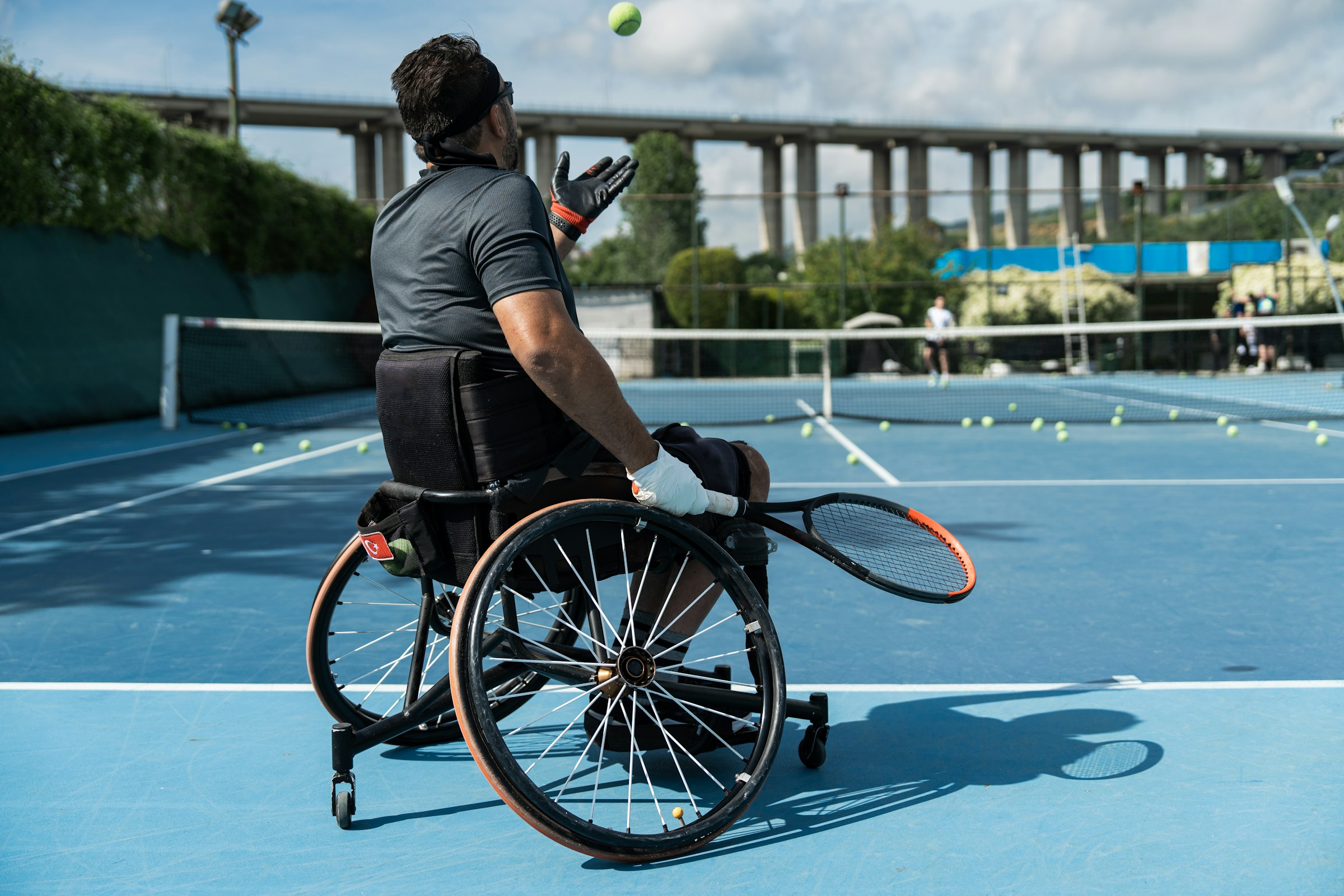
Similarly, navigation apps provide crucial accessibility information, but they don’t replace the mobility devices themselves. A wheelchair user still requires their wheelchair; the app simply makes using that wheelchair in community settings more practical and less stressful through advance planning and real-time accessibility data.
Smart home apps control environmental features but don’t replace the physical adaptations that make homes accessible. Widened doorways, level thresholds, accessible bathroom fixtures, and other modifications remain essential. Voice control apps enhance these physical accommodations by reducing the physical effort required to interact with the environment.
The Australian Bureau of Statistics reports that 28.5% (1.1 million) of people with disability in Australia don’t use the Internet, with 23.4% citing lack of confidence or knowledge as preventing factors. This digital divide means that app-based solutions, whilst valuable for many, cannot universally replace traditional assistive technology without excluding significant portions of the disability community.
Apps work best as part of an integrated support system that combines traditional assistive devices, environmental modifications, personal support, and digital tools tailored to individual needs, preferences, and capabilities.
Moving Forward with Integrated Technology Solutions
The landscape of apps that complement assistive devices in daily routines continues evolving rapidly, with artificial intelligence, machine learning, and improved interoperability promising even more sophisticated support options. In Australia, where approximately 80% of NDIS participants have assistive technology funding in their plans, the pathway exists for many people to access app-based solutions that genuinely improve daily functioning.
Success with app integration requires thoughtful assessment of individual needs, proper training on functionality, ongoing technical support, and regular evaluation of effectiveness. Occupational therapists play a crucial role in this process, assessing client requirements, recommending appropriate solutions, providing evidence for NDIS funding applications, and supporting implementation within broader therapy goals.
The key lies not in adopting the newest technology for its own sake, but in identifying specific daily routine challenges and selecting apps that address those challenges whilst complementing existing supports. Whether it’s a communication app enabling social participation, a navigation app reducing travel anxiety, a smart home system improving safety, or a health monitoring app supporting long-term health conditions, the right combination of apps and assistive devices can significantly enhance independence and quality of life.
Can the NDIS fund apps for assistive purposes?
Yes, the NDIS can fund apps through several pathways. Low-cost apps under $1,500 may be purchased from core supports budgets. Apps serving as primary communication or accessibility tools can be funded through the Replacement Supports process, which requires an Application for Replacement Support form with supporting documentation from an allied health professional such as a speech pathologist or occupational therapist. Approval must be obtained before purchase, and the app must meet the ‘reasonable and necessary’ criteria addressing disability-related needs as outlined in the participant’s NDIS plan.
How do I know which apps will work best for my specific needs?
Determining the most suitable apps involves assessing your challenges, goals, and existing support systems. Occupational therapists can conduct comprehensive assessments of physical abilities, cognitive function, and daily routine requirements. They evaluate app features against your needs, recommend trials when possible, and provide training on usage. Additionally, reviews from others with similar needs and input from disability community groups can help in making an informed decision.
Will apps work if I have limited internet access or technology skills?
Some apps require continuous internet connection while others have offline functionalities after the initial download. Many apps designed for people with disabilities feature simplified interfaces, visual instructions, and intuitive navigation to accommodate varying technology skills. Support during initial setup from occupational therapists, support workers, or family members can also make a significant difference, especially for users with limited digital literacy or unreliable internet access.
Are there privacy concerns with health monitoring and smart home apps?
Privacy and data security are important considerations when using apps that collect personal health information or monitor home environments. It is important to review the app’s privacy policy to understand what data is collected, how it is stored, who has access to it, and whether it is shared with third parties. Using apps from reputable developers, enabling security features like two-factor authentication, and regularly updating privacy settings can help protect your personal information.
How can occupational therapy services help with app selection and implementation?
Occupational therapy services offer comprehensive support by assessing your functional abilities, daily routines, and specific challenges to guide the selection of apps that complement your assistive devices. They can provide documentation required for NDIS funding, offer hands-on training on app functionality, troubleshoot technical issues, and monitor the app’s effectiveness as part of a broader therapeutic plan.